Blog ·
How to Read Your Solar System's Monitoring App Correctly
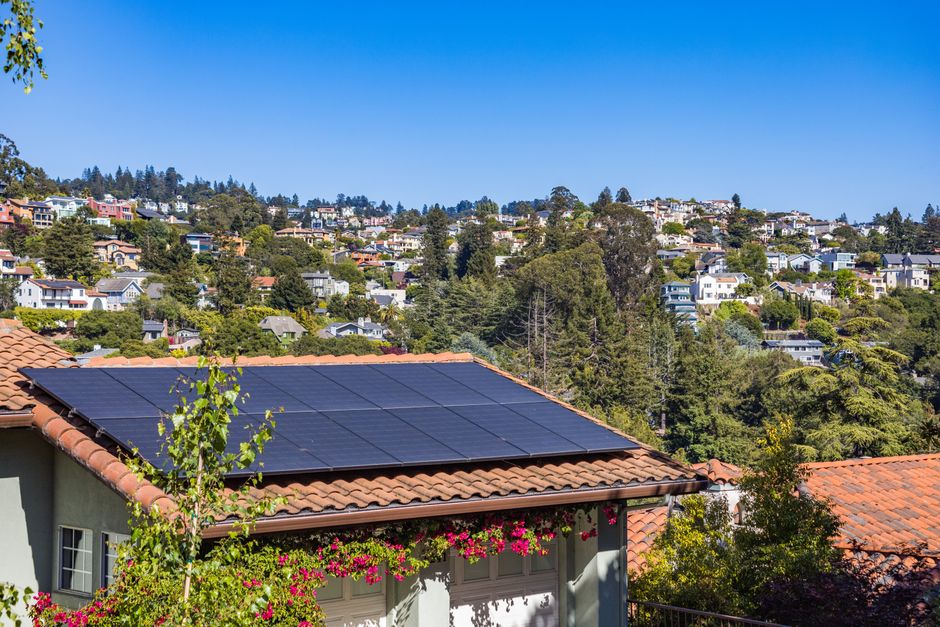
Your solar monitoring app is your window into how your Hinaugen system performs every single day. Whether your installation features custom solar canopies, pitched roof integration, or battery backup systems, learning to read this dashboard empowers you to spot issues quickly and maximize your investment.
Understanding Your Real-Time Output
The first screen you see typically shows your current power generation in kilowatts. On a sunny day with clear skies, watch this number fluctuate as cloud cover passes overhead or as the sun's angle changes. This real-time display helps you understand why production naturally dips in early morning and late afternoon. Your custom solar canopy or pitched roof installation works hardest during mid-day hours when the sun is highest.
Daily and Monthly Production Graphs
Most apps display energy generated over the past day, week, month, or year. These graphs reveal your system's seasonal patterns. You'll notice higher production during summer months and lower output in winter. This data validates that your installation is performing as expected. If you spot sudden drops in production on otherwise clear days, weather interference or system issues might be at play, and it's worth contacting your Hinaugen team.
Battery Backup System Monitoring
If your system includes battery backup capabilities, your app shows charging and discharging cycles. You'll see your battery storage level displayed as a percentage, much like your phone's battery indicator. Pay attention to this metric during peak usage hours to understand when your batteries are supporting your home independently. This insight helps you optimize when you run energy-intensive appliances.
Efficiency Metrics and Alerts
Many apps include efficiency ratings and system health indicators. Green indicators mean everything operates normally. Yellow or red alerts warrant attention, though not every alert requires immediate action. Some signals simply remind you that seasonal maintenance is due. Review any alerts and contact Hinaugen if you're unsure whether intervention is necessary.
Troubleshooting Your Dashboard
If your app shows zero production on a sunny day, check for system alerts first. Sometimes a breaker switch trips or an inverter needs a reset. Your app often guides you through basic troubleshooting. If production remains low after checking simple issues, reach out to Hinaugen's support team.
Your monitoring app transforms you from a passive solar owner into an engaged participant in your energy production. Spend a few minutes each month reviewing your performance data, and you'll develop an intuitive understanding of your system's capabilities and needs. This habit helps you spot problems early and celebrate the real energy independence your Hinaugen system provides.